LinPrinter
Print PDFs, images and text on your USB printer.
A document printer for Linux: print PDFs, images and text and see beforehand exactly what will print. Follow jobs, check ink, run test pages, or print to PDF; a sibling of LinScanner with the same USB-only privacy.
- statusv0.3.0
- licenseCC BY-NC 4.0
- built withPython · GTK 3 · CUPS
- USB printing (IPP)
- PDF · image · text
- Print to PDF
USB cable only; Wi-Fi and network printing are not supported at this time.
What it does
Features
- 01
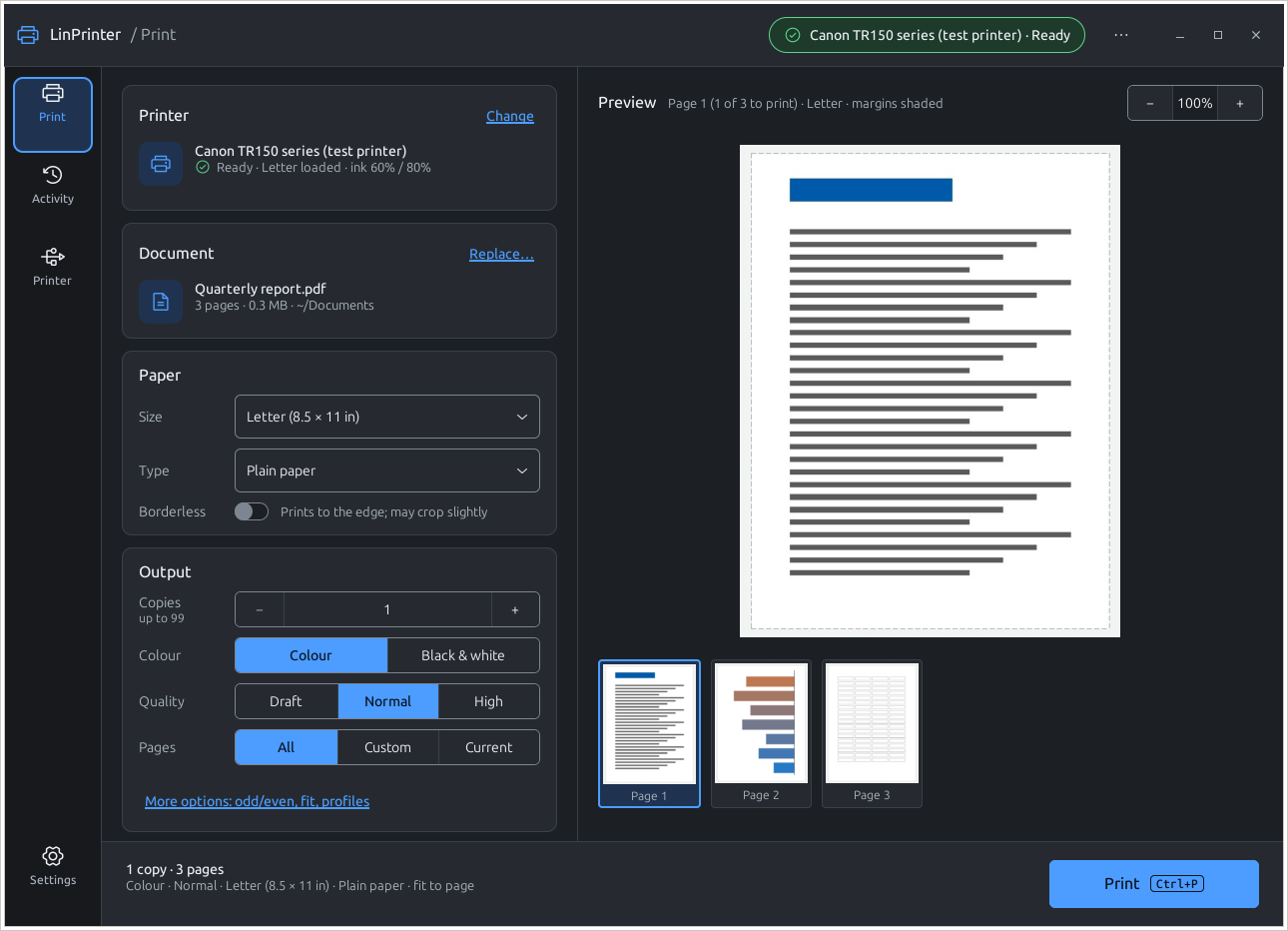
Live preview
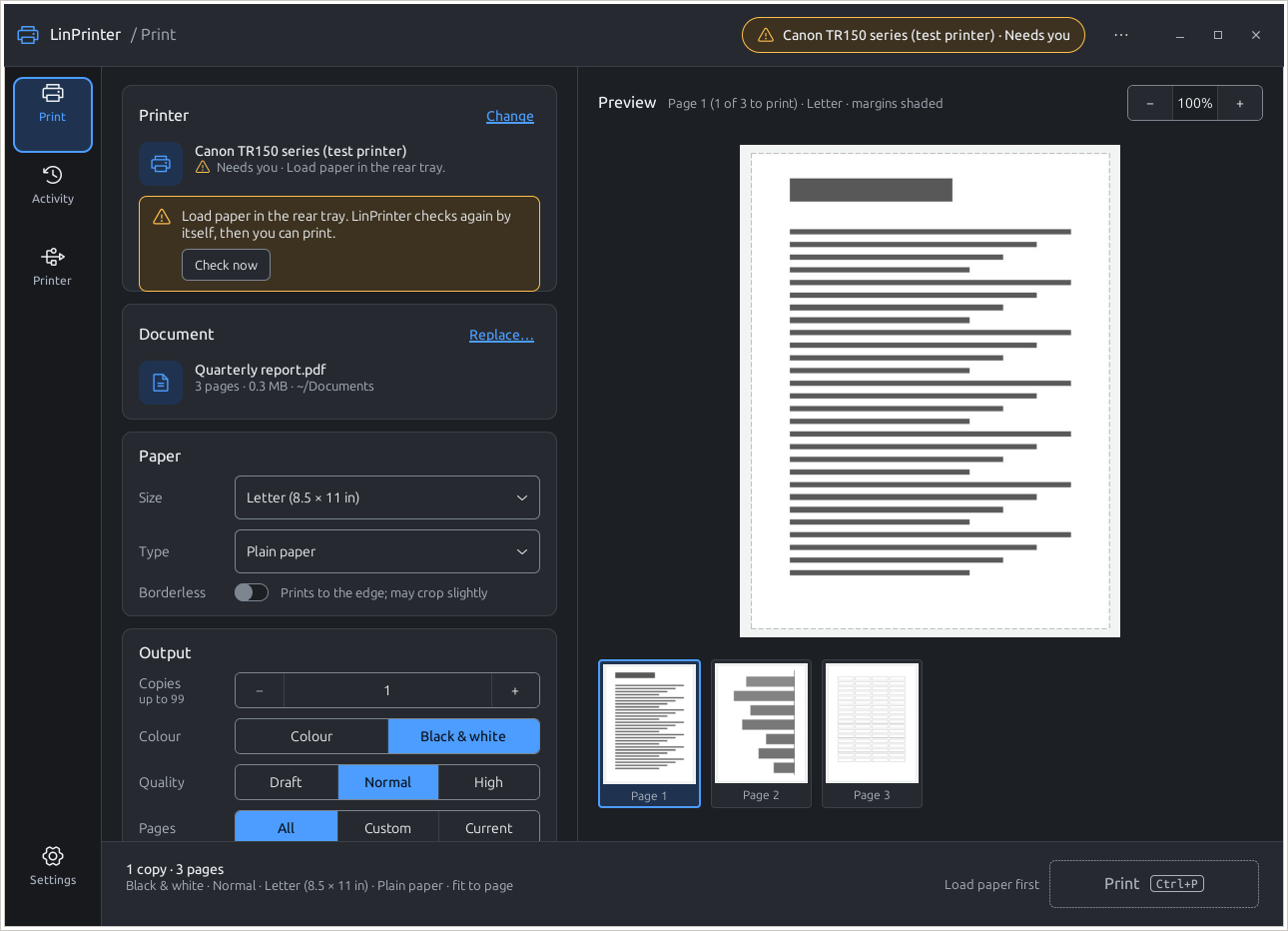
Your paper with the printer's margins shaded, zoom up to 16x and page thumbnails; the bar says exactly what will print.
- 02
Many formats
PDF, PNG, JPEG, multi-page TIFF, BMP, GIF and plain text; drop a file or right-click it in your file manager.
- 03
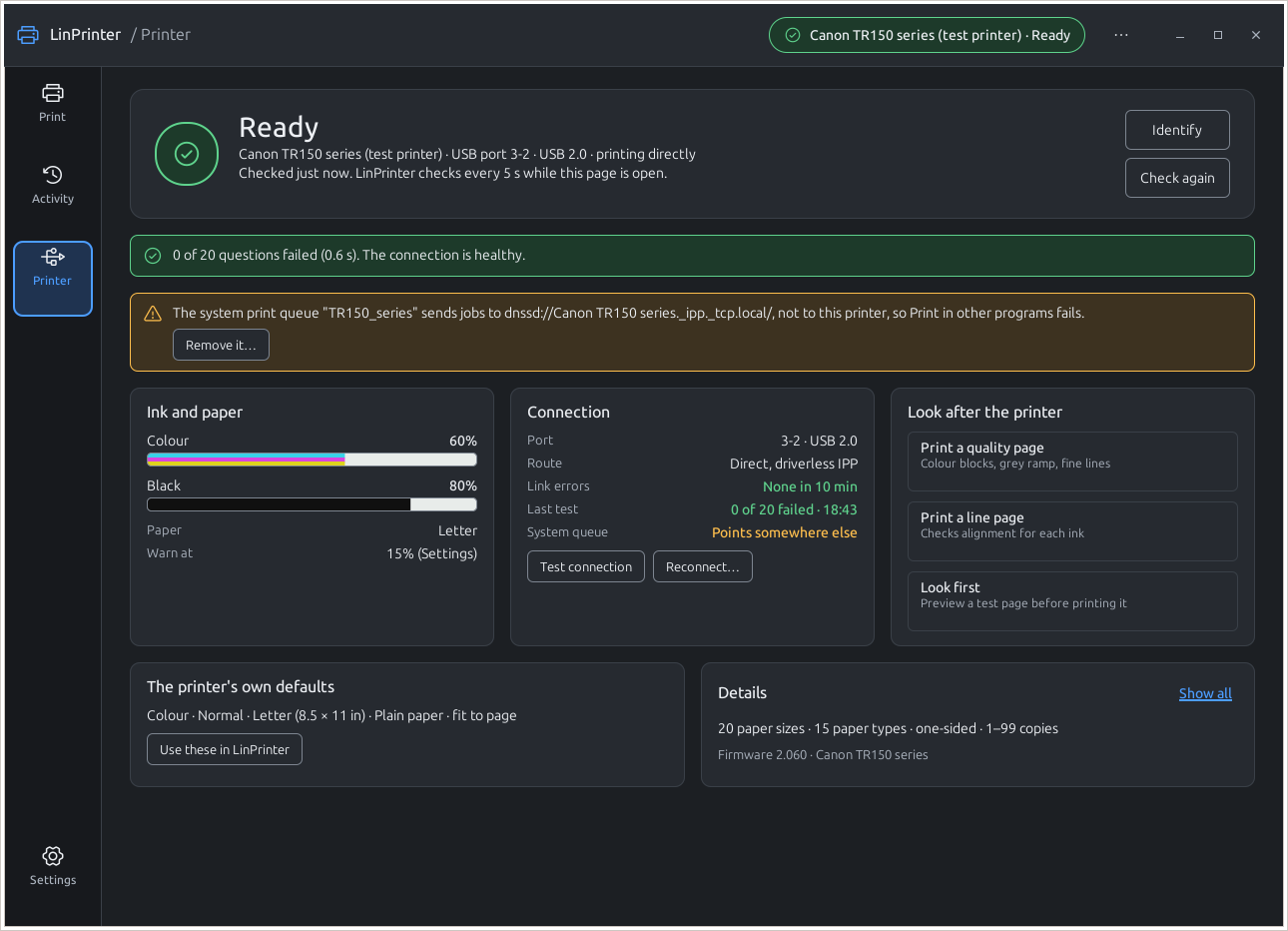
Ink & upkeep
Ink gauges with the cartridges' own colours, quality and line test pages, and links to the printer's own settings page.
- 04
Troubleshooter
Guided steps, cheapest first: power and cable, another USB cable, link test, power-cycle - stopping at the first that works.
- 05
Print to PDF
A printer-list option that saves to ~/Documents/prints; no printer needed.
- 06
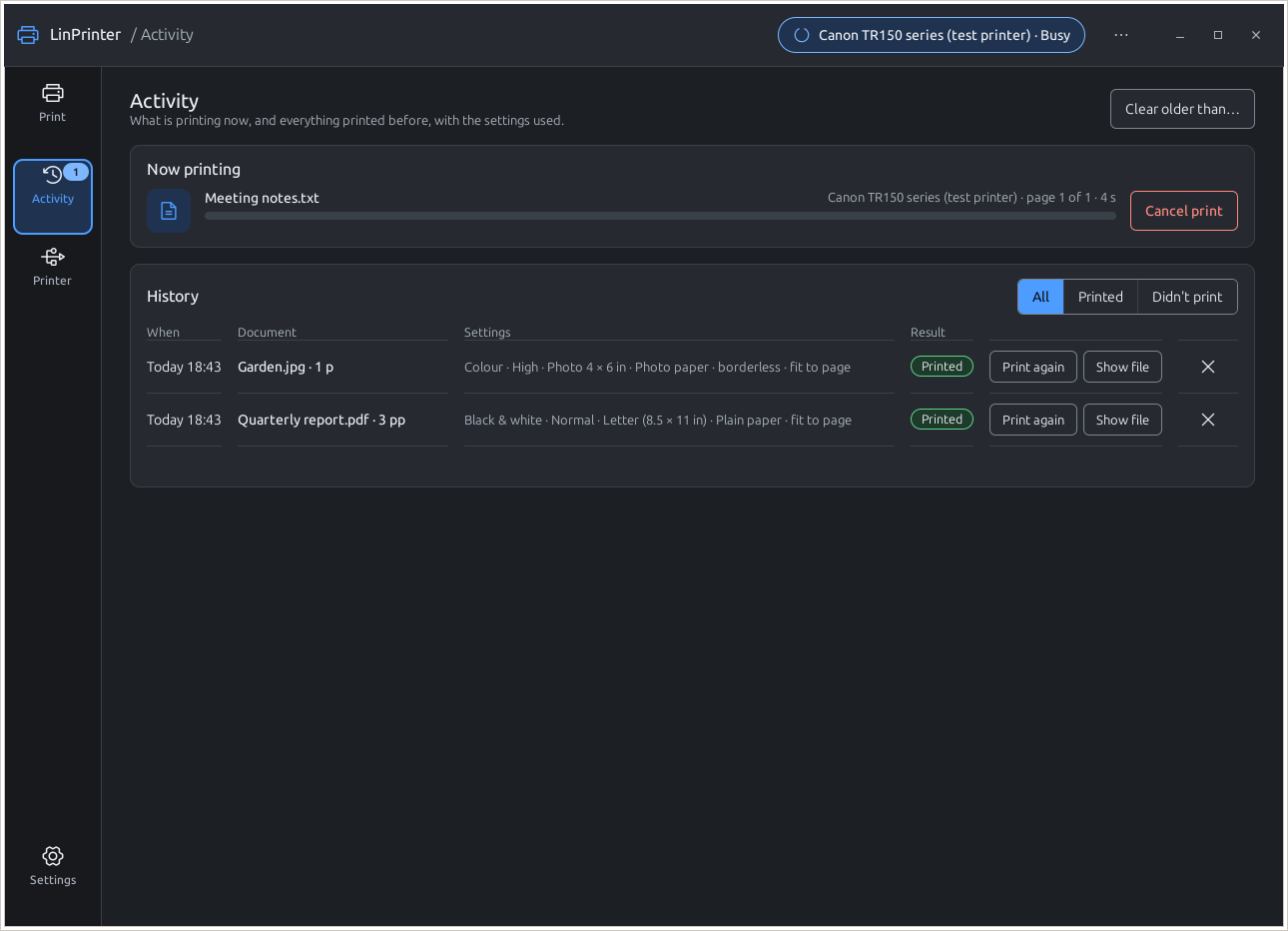
Activity history
What printed, or didn't and why, with the settings used; Print again reopens a job with the same settings.
A closer look
Install
Clone and run the installer script, or install the Debian package; both work offline with the linux-peripherals pool.
Requirements
- Python 3.10+
- GTK 3 (gir1.2-gtk-3.0), python3-pil
- cups, cups-client, cups-filters, cups-ipp-utils
- ipp-usb, ghostscript
git clone https://github.com/MensuraMedia/linprinter.git
cd linprinter
bash install.shbash install.sh --package- Uninstall: bash install.sh --uninstall removes the menu entry, icon and package; settings stay
- Also installable with sudo apt install ./dist/linprinter_0.2.5_all.deb
- Runs as your normal user; sudo is asked only for missing packages
Full and current instructions: the README on GitHub.
At a glance
| Version | 0.3.0 |
|---|---|
| Verified printer | Canon TR150 series (USB, driverless) |
| Connection | USB cable only |
| Platform | Linux Mint 22 tested; Debian-based, GTK 3, Python 3.10+ |
| Licence | CC BY-NC 4.0 |
Questions
Only "Print to PDF" is listed
Run ./run.sh --list-printers, check lsusb shows the printer, and that cups and ipp-usb are installed.
The connection keeps dropping
Try another USB cable first, straight into the computer; measure the link with tools/usb_linktest.py.