LinScanner
Scan documents to PDF from your USB scanner.
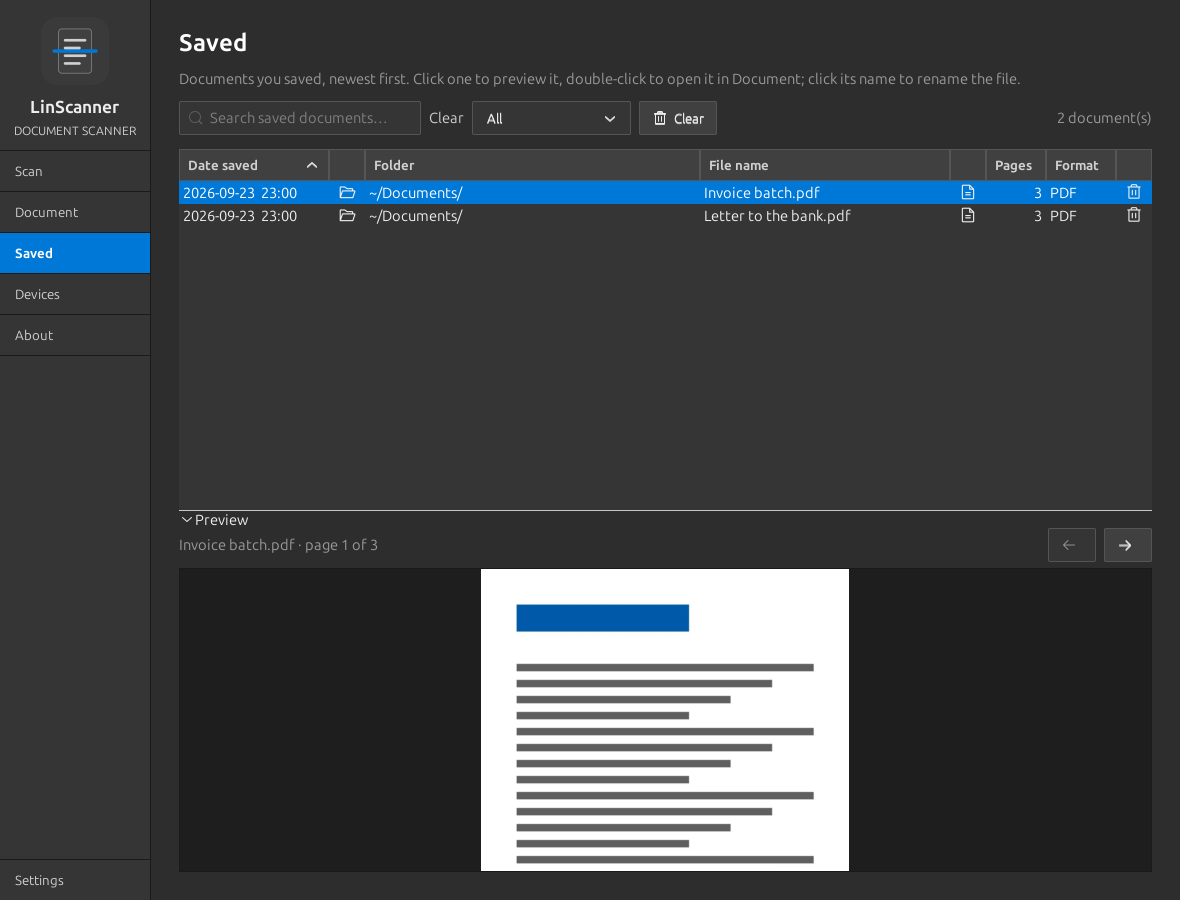
A universal document scanner for Linux. It works with any cable-connected (USB) scanner that SANE can drive, checks pages in a preview, and saves as PDF, PNG, JPEG or TIFF.
- statusv0.3.5
- licenseCC BY-NC 4.0
- built withPython · GTK 3 · SANE
- USB scanners (SANE)
- PDF · PNG · JPEG · TIFF
- Local OCR
USB cable connection only; Wi-Fi and network scanning is not supported at this time.
What it does
Features
- 01
USB scanning
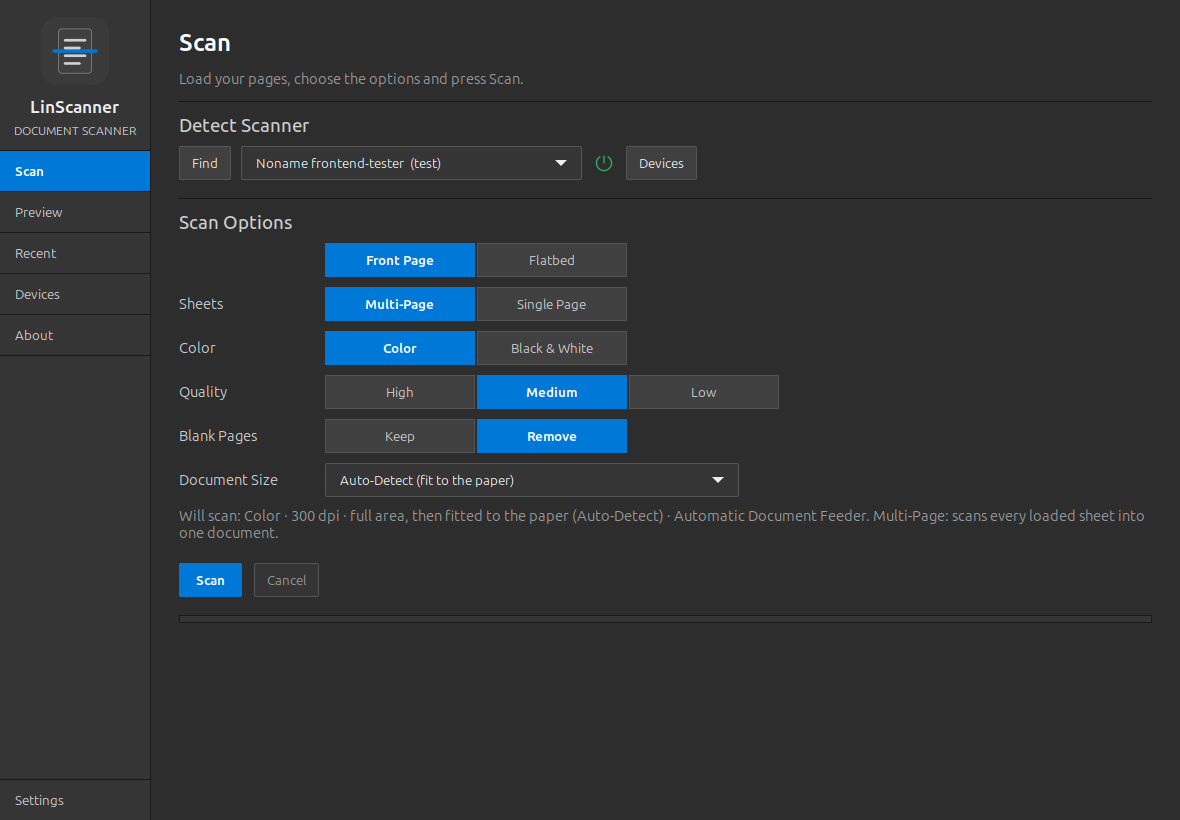
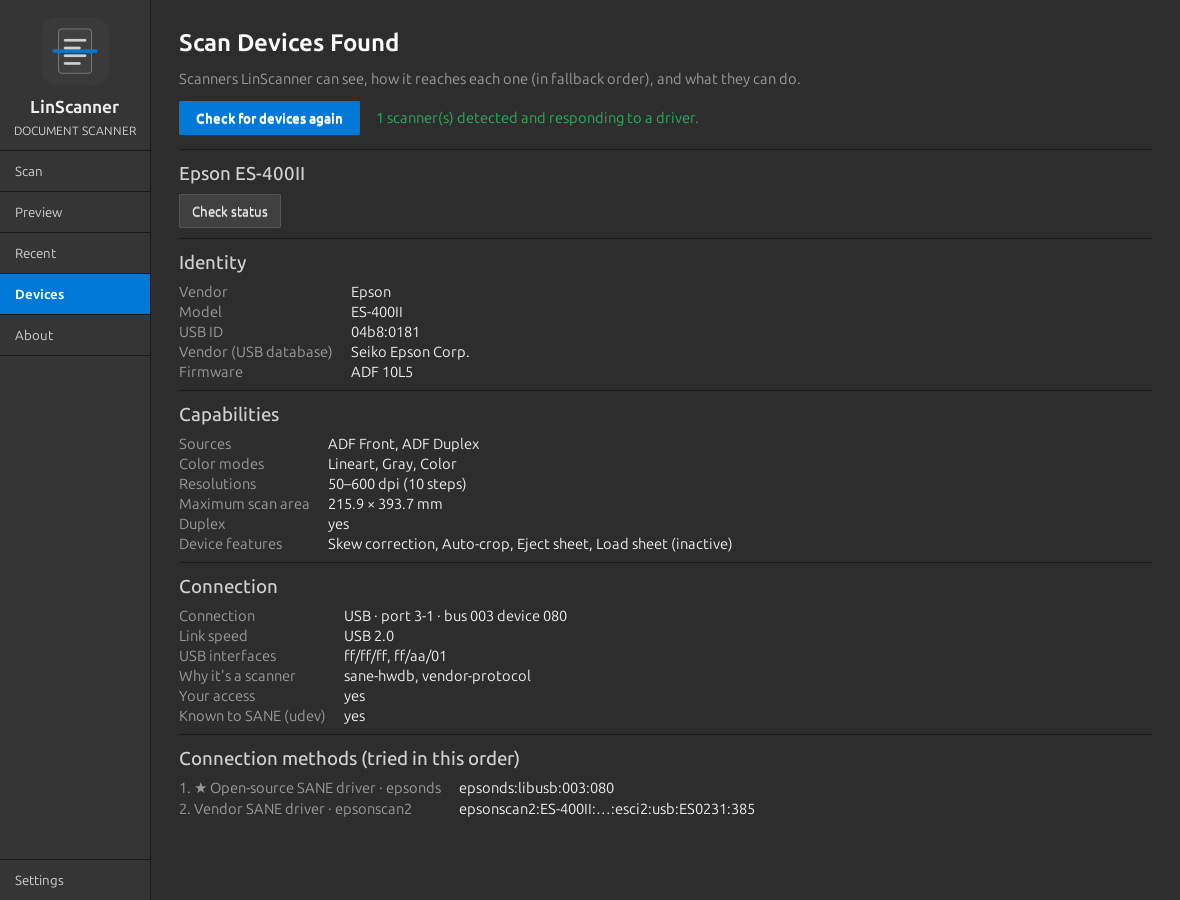
Any cable-connected SANE scanner, plus LinScanner's own driverless eSCL client, with a connection fallback chain.
- 02
Colour & quality
Colour or black and white at 600, 300 or 150 dpi, auto-matched to the nearest resolution your scanner supports.
- 03
Document tools
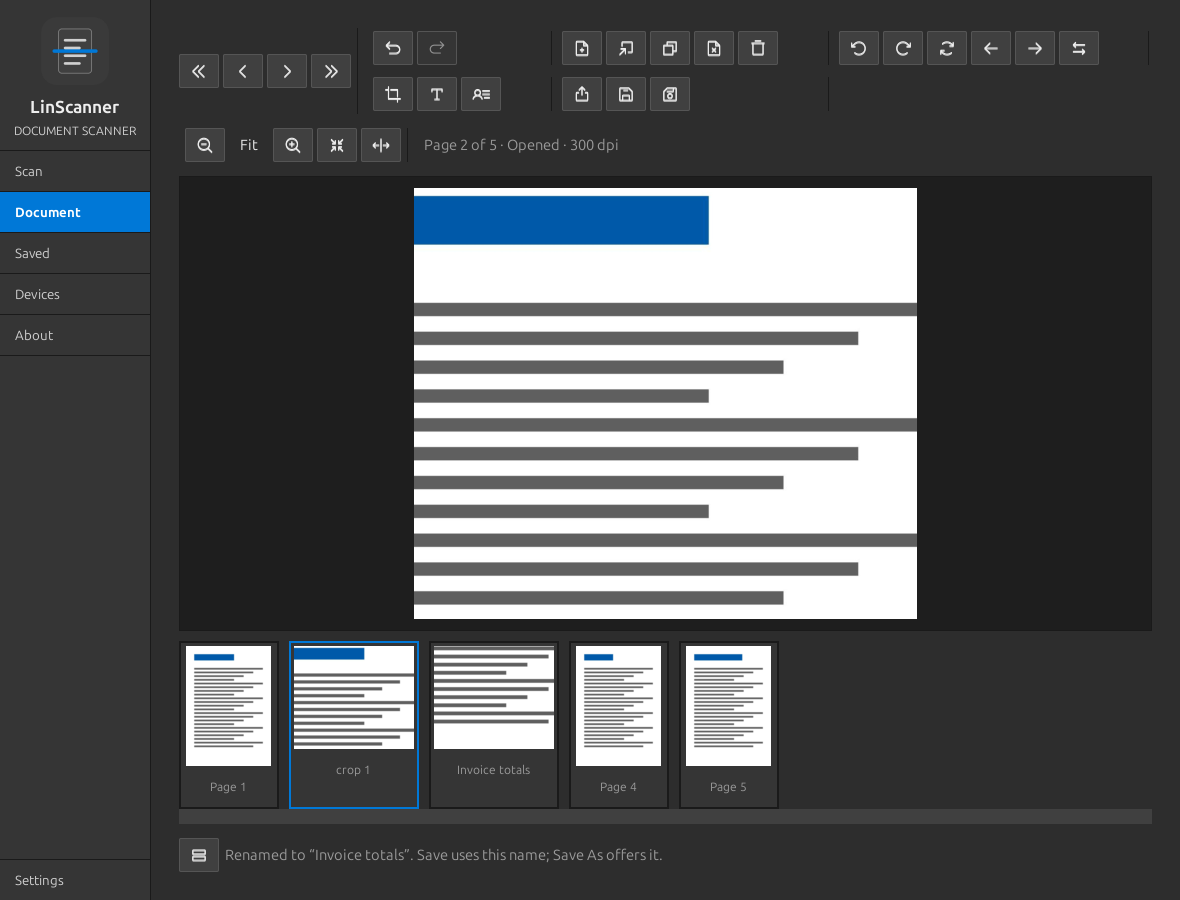
Rotate, crop (as a new page), add text with alignment guides, apply signatures; every change can be undone.
- 04
Sheet-fed modes
Multi-Page scans the stack as one document; Single Page makes each sheet its own document with Save All.
- 05
Automatic clean-up
Auto-crop of feeder overrun, deskew and blank-page removal are on by default.
- 06
Optional modules
Searchable PDF (OCR), auto-rotate, image enhancement, scan profiles and auto-save, each switchable in Settings.
A closer look
Install
Clone and run the installer as your normal user; it adds missing packages and a menu entry.
Requirements
- Python 3.10+
- GTK 3.24 with PyGObject
- Pillow
- SANE (sane-utils, libsane1)
- sane-airscan for IPP-over-USB
git clone https://github.com/MensuraMedia/linscanner.git
bash linscanner/install.shsudo apt install python3-gi python3-gi-cairo gir1.2-gtk-3.0 python3-pil sane-utils libsane1 sane-airscan
linscanner/run.sh- Uninstall: bash linscanner/install.sh --uninstall removes the menu entry
- Inside linux-peripherals the installer works offline from its package pool
- Try without hardware with run.sh --test-scanner (SANE virtual scanner)
Full and current instructions: the README on GitHub.
At a glance
| Version | 0.3.5 |
|---|---|
| Tested on | Linux Mint 22.3 (Ubuntu 24.04 base), kernel 7.0, amd64, Epson WorkForce ES-400 II |
| Connection | USB cable only |
| Platform | Linux desktop, GTK 3 |
| Licence | CC BY-NC 4.0 |
Questions
My Wi-Fi or network scanner isn't listed
Wi-Fi and network scanning isn't supported at this time; connect the scanner with a USB cable.
No scanners found
Check the cable and power, then use Devices and Check for devices again.